aqt push
Nothing readable reaches the server.
Filenames, file contents, metadata, and keys are encrypted on your machine before upload.
Zero-knowledge sync for developers
Encrypted file and folder sync that keeps filenames, contents, and keys invisible to the server.
aqt sync ~/vaultaqt encrypts locally with XChaCha20-Poly1305. Your root key never leaves your device, and your server only coordinates opaque objects.
Push it once, keep a folder in sync, back a repository up, share it safely, or recover it years later.
aqt push
Filenames, file contents, metadata, and keys are encrypted on your machine before upload.
aqt sync
Folders become a Merkle DAG of encrypted chunks with per-account deduplication.
aqt share
Public links carry their key in the fragment. For private grants, aqt share --with gives read-only access and aqt contacts pins recipient keys.
git push
Git owns commits, refs, and merges; aqt stores the bundles as ciphertext. The server never sees a path, a ref, or an object.
aqt checkpoint
Anchor named snapshots, compare them with the live tree, and restore in place or beside it.
aqt tui
A lazygit-style dashboard. Live changes, snapshots, and shares, driven by single-key actions that run real aqt commands.
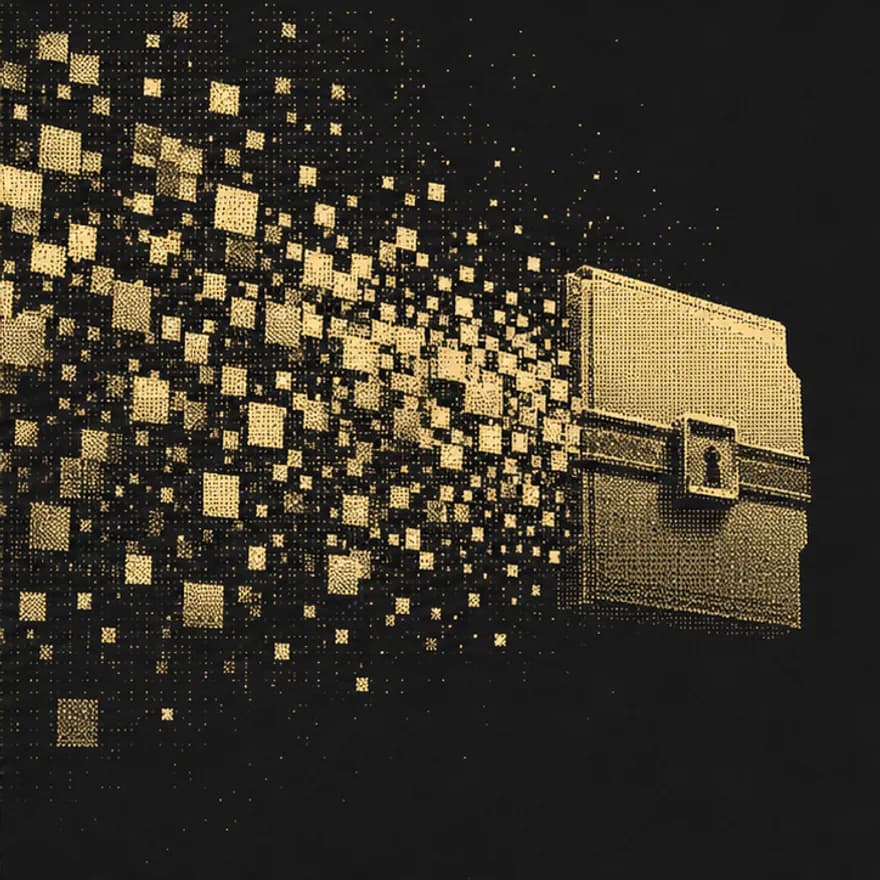
Blocks converge, encrypt, and move. The network only carries what it cannot understand.
Private is the default. Add --public only when you intend to share.
$ aqt push secret.env
aqt://7yQ2pe
Two-way sync that merges non-overlapping text edits and keeps a conflict copy when they collide. Preview any of it with aqt diff, or let aqt watch run it for you.
$ aqt sync ~/vault --conflicts=merge
~ merged notes/plan.md
Clone on a clean machine or roll a tracked folder back to an anchored checkpoint.
$ aqt restore pre-release
restored ~/vault
A key hierarchy you can reason about, from the passphrase you type to the ciphertext the server keeps.
Cryptography
Server and transport
Share links place the content key in the browser fragment. It never appears in the HTTP request.
https://aqt.sh/x/9fK2qd#k.Hs7nT4…aqt-server is a static Go binary backed by SQLite and a ciphertext data directory. Put it behind Caddy, systemd, or Docker.
Accounts are managed from the data directory, not a privileged HTTP surface: inspect one, cap its storage, suspend it, or erase it and sweep its ciphertext, with any file left behind named in the receipt.
Read the deploy guide$ AQT_DATA_DIR=./aqt-data ./bin/aqt-server $ aqt-server admin accounts quota you@example.com 20GB
From everyone except you.
curl -fsSL https://web.sync.aquitano.me/install.sh | shiwr -useb https://web.sync.aquitano.me/install.ps1 | iexInstalls to ~/.local/bin. Append -s -- --server for the server binary.